POSTURE CHECK / PRIVATE WEBCAM TOOL
Desk Posture Checker
Use your laptop camera for a quick seated posture check. It runs for a short session, turns the camera off automatically, and leaves you with a simple score.

How to sit
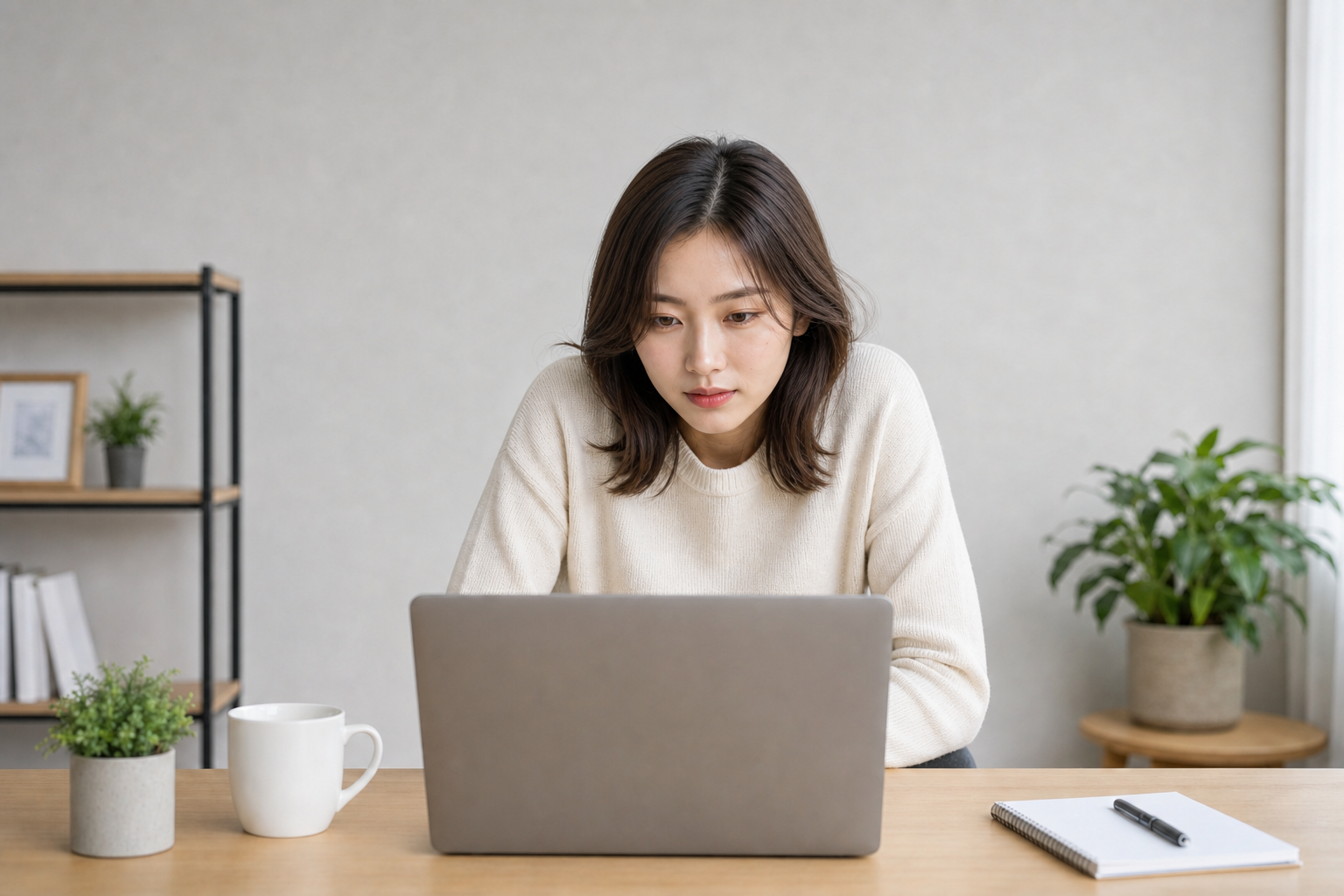
Sit at your normal desk distance and keep your face, shoulders, and upper torso visible. The tool is designed as a short check, not something you need to leave open while working.
How scoring works
The score looks at simple visual signals such as shoulder tilt, head angle, neck compression, face-to-shoulder alignment, and whether you are too close to the webcam. It is a reminder, not a professional posture assessment.
Privacy and limits
The camera feed stays on your device and is not uploaded. Desk Posture Checker is a lightweight desk reminder, not posture diagnosis or medical coaching.
Best use cases
Use it before a long writing session, video call, live stream, or recording block when you want a quick reminder to reset your seated position.
What affects accuracy
Low light, cropped shoulders, a camera placed too low, or leaning out of frame can make the score less reliable. A stable front-facing camera works best.
Simple next step
If the score drops, move the camera to eye level, relax your shoulders, sit a little farther back, and check again for a cleaner baseline.